

Configuration
Obtain an integration key
1
Open your PagerDuty service
In PagerDuty, go to Services and select the service you want to receive alerts for, or create a new one.
2
Add an integration
Click the Integrations tab → Add an integration.
3
Select Events API v2
Search for Events API v2 and click Add.
4
Copy the integration key
Copy the Integration Key shown on the integrations list.
Add to a contact point
1
Open or create a contact point
Go to Alerting → Contact Points and open an existing contact point or create a new one.
2
Add a PagerDuty integration
Click Add Integration and select PagerDuty from the Integration dropdown.
3
Fill in the fields
Enter a Label and paste the Integration Key. Optionally set the Severity, Component, Group, and Class to provide context for the PagerDuty incident.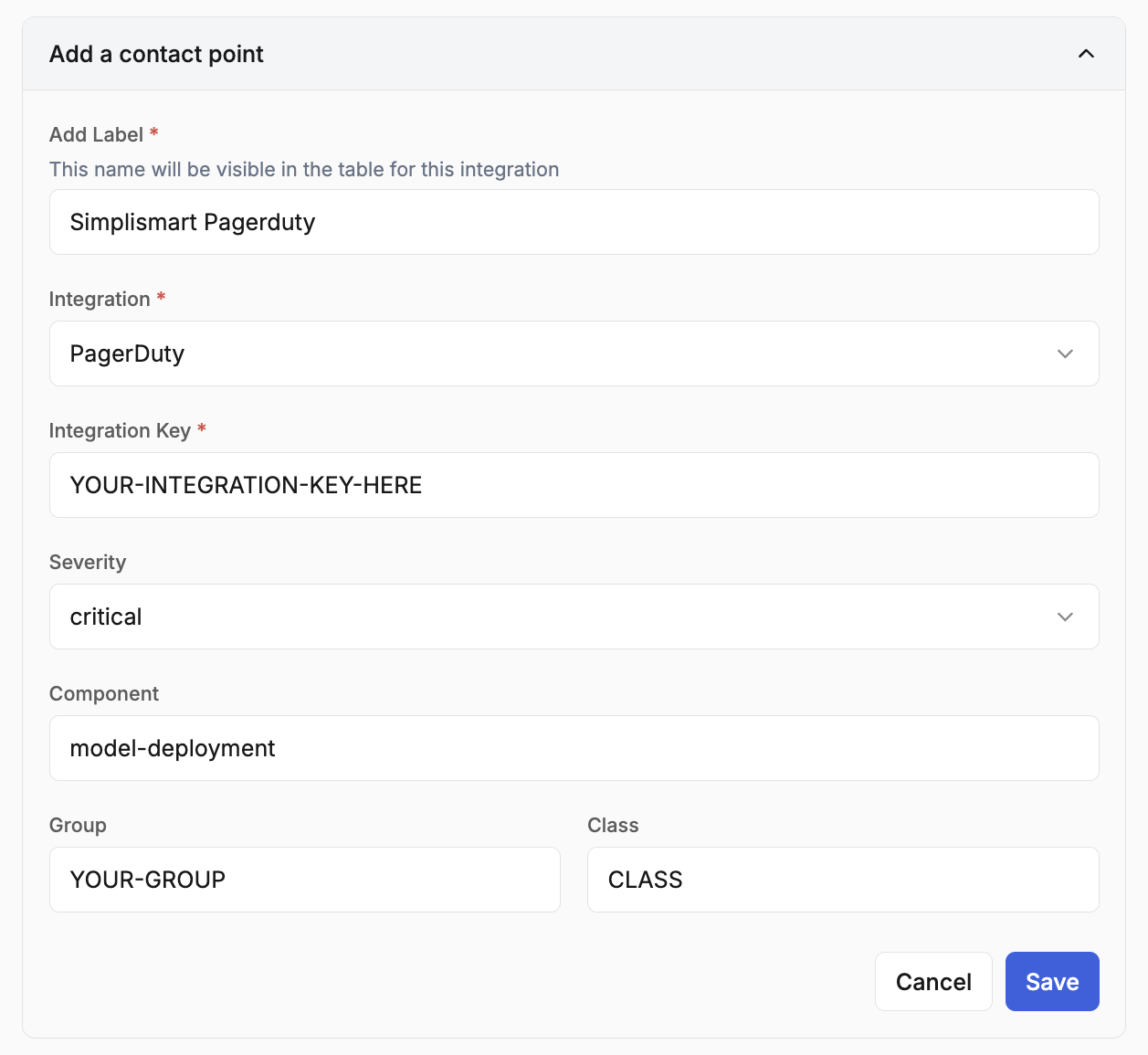
4
Save
Review the configurations and click Save.