

Steps for Using the Deployed Model and Monitoring it’s Performance
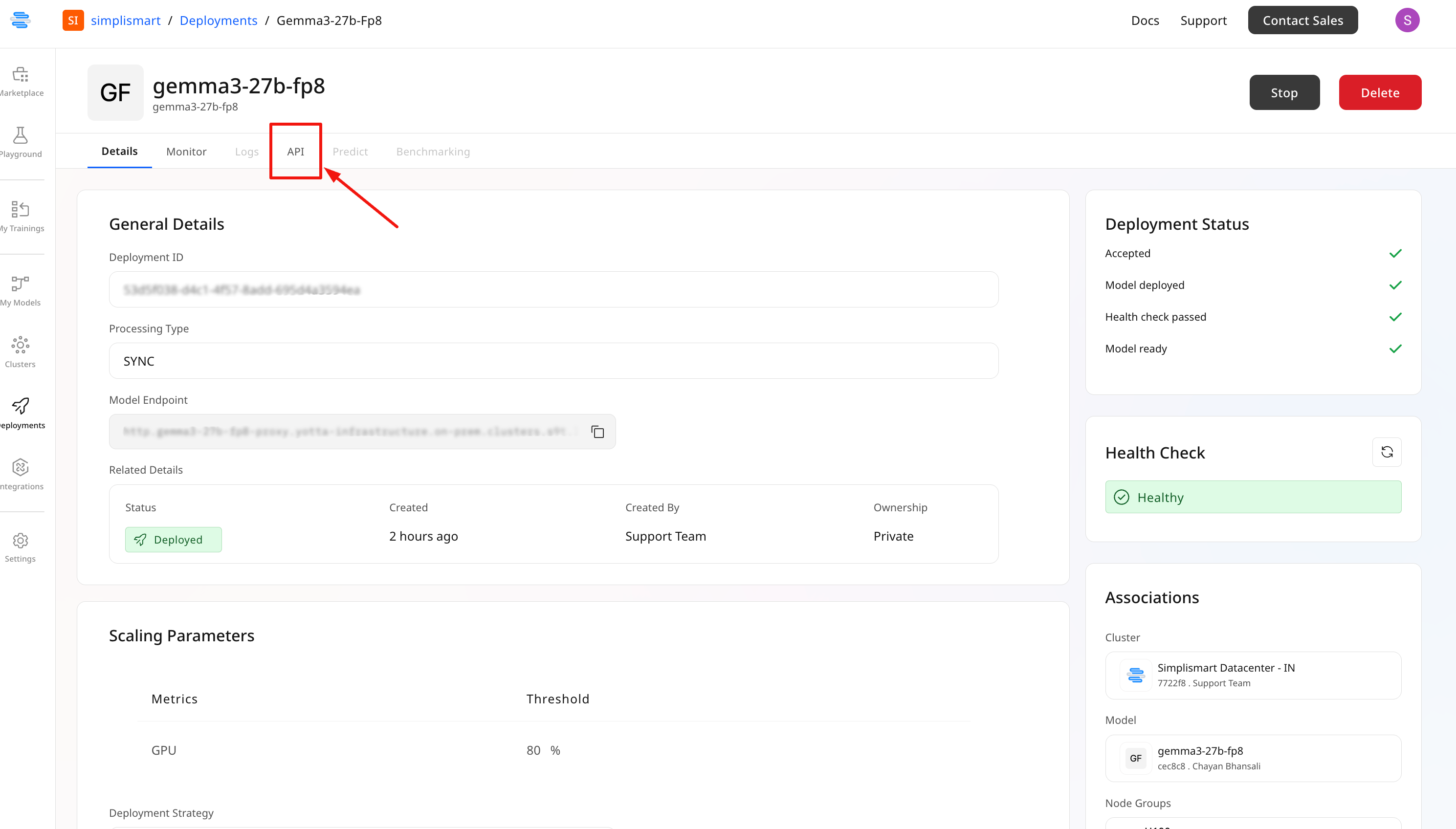
Once the model is successfully deployed, you can follow these steps to begin inference:- Go to the API tab of your model
- Find the Endpoint URL and the pre-generated inference script
- Copy the script, replace placeholder values, and execute it to call the model
The Monitor tab provides an overview of your deployment’s performance.
- Monitor Real-Time Status:
- Pod Info: Status and count of active pods
- Throughput & Latency: Requests per second and processing time
- Success & Failure Rates: Percentage of successful and failed inferences
.png) 2. Resource Monitoring: Various system level metrics can be tracked along with system load information; such as CPU/ GPU usage & request metrics.
2. Resource Monitoring: Various system level metrics can be tracked along with system load information; such as CPU/ GPU usage & request metrics.
.png)